What the installed elementary OS 9 desktop does on a 14-inch MacBook Pro (M1 Pro), checked against the maintained Omarchy Apple Silicon packages (omacom/omarchy-mac-pkgs, audited at 222f7a8). This describes the installed system, not the unbuilt factory image. Updated 2026-10-14.
Sleep-energy logging and a power-report launcher are implemented in the repository, with Touch ID readiness and setup fixes. Bluetooth resume recovery and built-in F-key remaps are separate opt-ins. These additions have offline regression coverage; target-machine qualification and factory-image boot remain pending. See the audit, installation options and measurement limits. This does not change the installed-system results below or establish a battery-life improvement.
| Enhancement | Status on the M1 Pro | Notes |
|---|---|---|
| Wi-Fi resume recovery | Ported | Resume script has a regression test; live repeated-suspend test from the factory image is still pending. |
| Speaker safety and DSP | Ported on the desktop | speakersafetyd is active; audio output passed. The factory image does not install this path yet. |
| Battery charge limit | Ported | Limit reads 80%; a quick-settings switch toggles it. |
| Ambient keyboard light | Ported | Adjusted 0 to 59/255 at 141 lx; lock, lid and suspend behavior still to be qualified. |
| Early Apple input loading | Ported | initramfs module list; factory-image path not verified. |
| WD22TB4 dock and hotplug | Scoped visual pass; stability open | Owner confirmed a working dock picture on Aurora .20. Physical HDMI/DP port verification and sustained stability remain open. Later hotplug logged USB/Thunderbolt faults and missing Ethernet firmware; audio after replug is an owner observation, not a playback test. Panel sizing, stale modes and disabled-dock readiness now have an installed startup repair with native regression passes; fresh-login and owner visual verification remain pending. Obsolete .19/Fairydust module trees were archived and removed without changing boot/display/audio settings. Evidence and cleanup report. |
| Full-height M1 Pro desktop and native dock | Implemented; live dock qualification pending | Restores the camera strip with a protected Wingpanel layout; compact intelligent-hide dock saves placement. Visible dock space is reserved and released on hiding for maximized and snapped windows (next sign-in after installation). Startup/stop regressions and repeated-activation typing pass in an isolated Wayland desktop. The owner's dock is currently stopped after a floating/focus report; physical-session qualification and full-height reboot checks remain. Install, tests and rollback. Factory full-height boot remains unqualified. |
| Docked lid mode | Running | Locks instead of retrying suspend while a USB4 dock is attached; lid-close with a dock needs a repeat test. |
| Audio watchdog | Installed 2026-10-14 | Restarts PipeWire and WirePlumber if the audio server stops answering, with a restart limit. It runs as a user service; the unit and tests are in the repo. |
| Speaker and headset-mic rules | Installed; apply at next login | Keeps the speaker and headphone outputs open (no pop between sounds) and stops apps preferring the unplugged headset mic. |
| Function-key mode | Differs | Running with media keys first (fnmode=1); upstream uses the kernel default (auto). Awaiting a deliberate choice. |
| Microphone mapping | Not ported | Needs re-homing to elementary's audio session. |
| iCloud password sync | Options documented | No official Linux client. Unofficial read-only tools exist but sign in with your Apple ID and are new; a one-way export into a cross-platform password manager is the safest path. The owner leans to a Brave extension (icp supports Brave) or Brave Sync. |
| iMessage | Possible, not installed | Best fits: BlueBubbles (official arm64 Linux client, server on a Mac) or BlueFerry or Tether (iPhone over Bluetooth, no Apple login; Tether is already scoped in the repo but needs a newer BlueZ than this Mac has; it can also copy one-time verification codes from texts to the clipboard when enabled). OpenBubbles needs a hardware-identifier workaround and an SSPL library, so it is a last resort. |
| Hardware video decode | Missing | Needs AVD kernel support, firmware and a VA-API bridge. |
| Touch ID | Blocked upstream | No public Linux code exists. Omarchy lists it as not in its first release and Asahi lists it as to be announced. A watcher reports when that changes. |
What has been added or changed on the installed M1 Pro desktop. "To confirm" means it was applied but the owner has not yet checked it.
| Area | Customization | Status |
|---|---|---|
| Kernel and energy | Aurora PMP/idle/sleep support, separate source enhancement and pinned 7.2.10 WIP builds; immutable hardware receipts and release freezes | J314S .20 boot/PMP/idle accounting tested; frozen experimental exp1. Full hardware/energy qualification pending; no savings claimed. |
| Keyboard and windows | OS-enforced half snapping; native corner quarter snaps and Super+Alt+U/I/J/K (keypad 7/9/1/3 also supported) | Half snaps enabled; quarter plugin installed, next sign-in required. Isolated Wayland integration passed; physical displays pending. |
| Keyboard and windows | Command+Space app launcher with readable search text; shortcuts stay bound across reboots | Installed (text fix to confirm) |
| Keyboard and windows | Window buttons together on the left (close, minimize, maximize), Mac style | Applied (to confirm) |
| Keyboard and windows | Touchpad gestures through Touchegg | Running |
| Screenshots | Ctrl+Shift+3 and 4 save to Downloads/Screenshots; a thumbnail appears bottom-right (drag to use without keeping, hold Alt to also keep) and offers Markup (Swappy for images, Papers for PDFs) | Built; to try |
| Look and feel | Softer blue and rose accents, larger window corners, rounded screen corners (patched Gala), brightness and keyboard-light sliders in quick settings, ambient keyboard light | Installed |
| Top bar | Network speed and usage indicator; AI usage forecast (CodexBar); a repositioned clock; Signal, energy monitor, Homeboard and Troubleshooter indicators | Installed |
| Power | 80% battery charge limit with a switch, battery CPU policy, zram swap, docked lid mode. Policy and baseline collector regression tests cover failure handling; physical battery transitions and matched power runs remain to be qualified | Installed |
| Audio | Speaker safety and DSP chain, audio watchdog, speaker and headset-mic rules (apply at next login) | Installed |
| Local AI | Private MLX v0.7.33, Newelle desktop/personal memory, guarded coding profiles and kernel/app fault collection. Benchmarks and app coverage | Tested defaults; broader app coverage open |
| Apps | Native Firefox and Brave (no snaps), Signal, Claude, ChatGPT and OpenCode desktop apps | Installed |
| Speed | Login screen 119.7 s to 0.82 s (display crossbar in the initramfs); trimmed services. Benchmark scripts and results are in mseries/benchmarks; no speed claim is made without a measured before and after. | Measured |
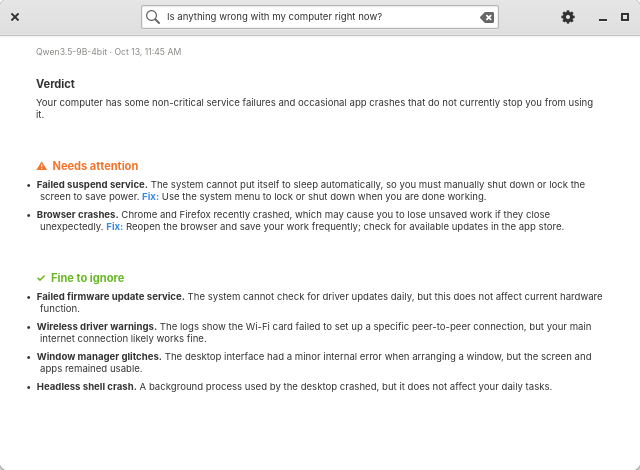
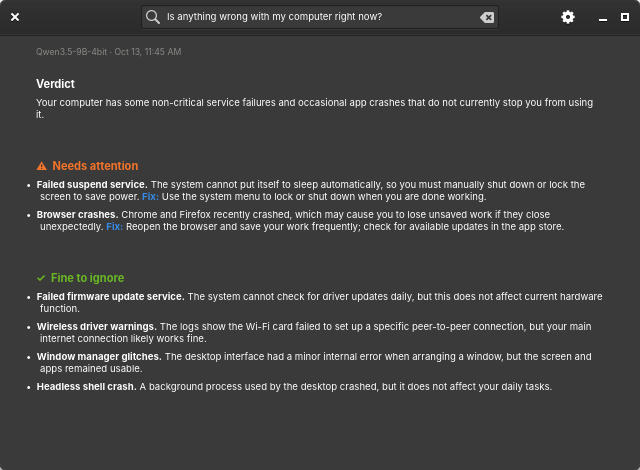
The Local Troubleshooter answering "Is anything wrong with my computer right now?" on the M1 Pro (light and dark).
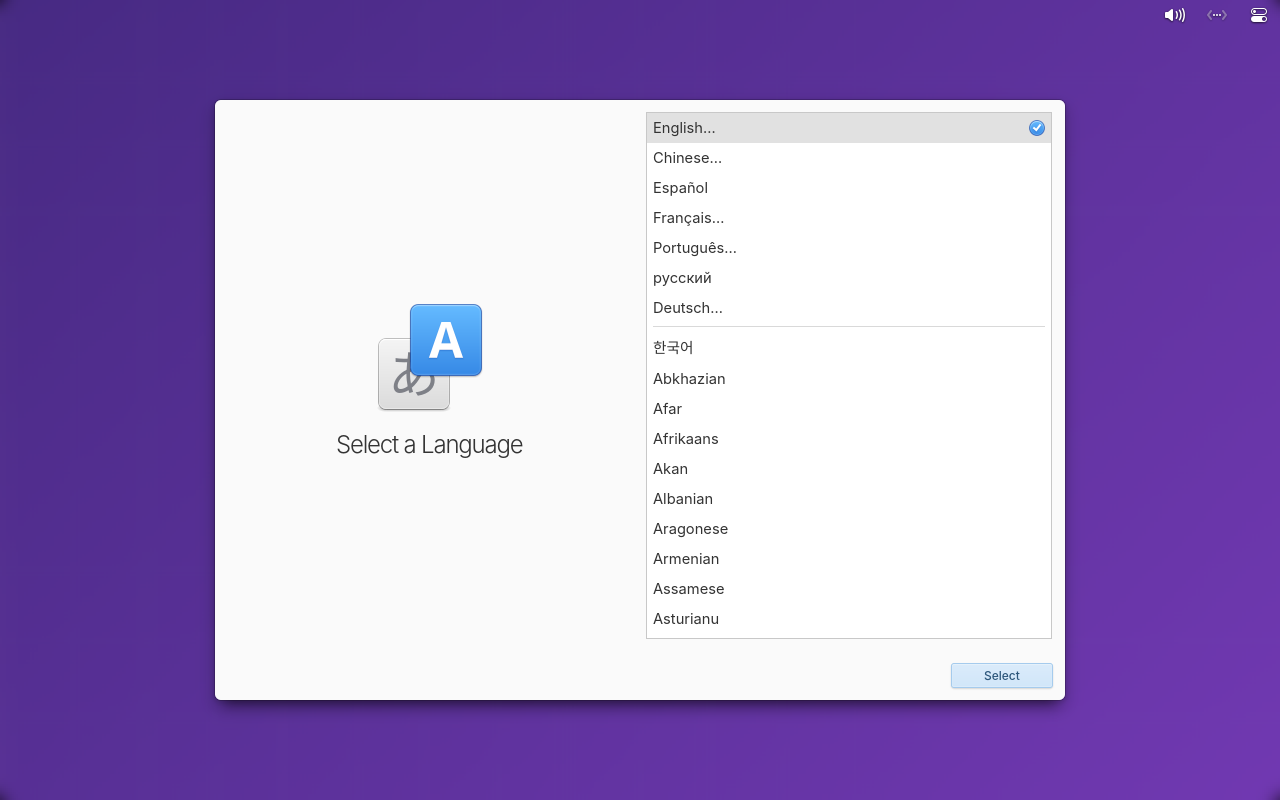
The ARM64 installer boot test in a virtual machine:
See the bug list for what is still broken and the support matrix for evidence.